
How uninstalling works
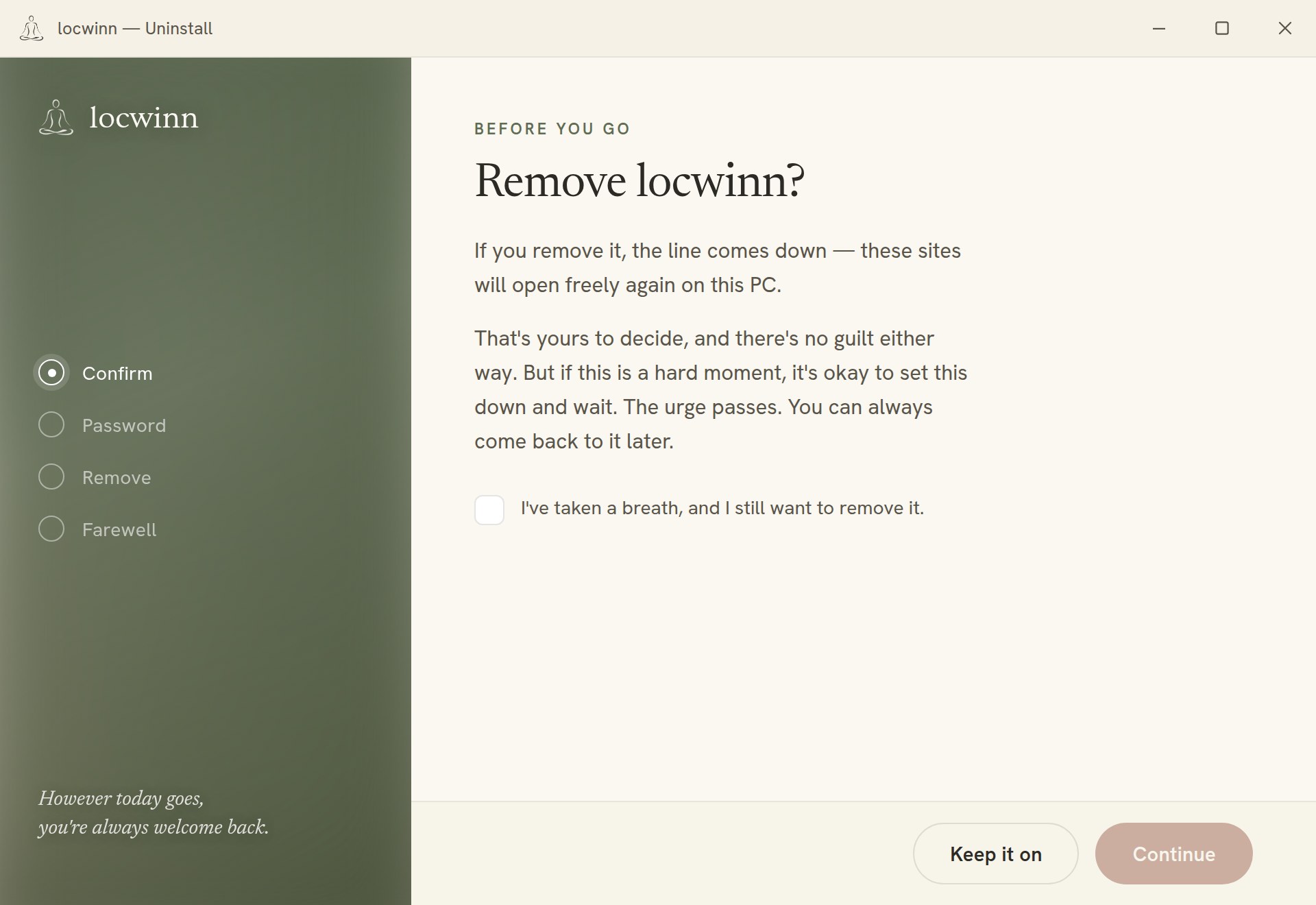
locwinn's one unusual promise is that it's hard to remove in a weak moment. That's a feature, so here's exactly how it behaves — before you buy, not after. The short version: you are never trapped, but removal is deliberate and, if you chose it, slow.
You pick the mode at install
Lite — remove any time, deliberately
Uninstalling still isn't a single toggle — you run the uninstaller and enter a removal password — but the password is available to you immediately. It's a speed bump, not a wait. Choose Lite if you mostly want the block out of sight, without a lockout.
Nuclear — you choose a waiting period
At install you pick a delay, anywhere from minutes up to a year. When you later decide to uninstall:
- You request removal (from the uninstaller). The clock starts.
- Your chosen delay passes. Requesting again doesn't restart it.
- When the delay is up, the removal password is emailed to you — and, if you named an accountability partner at install, to them as well.
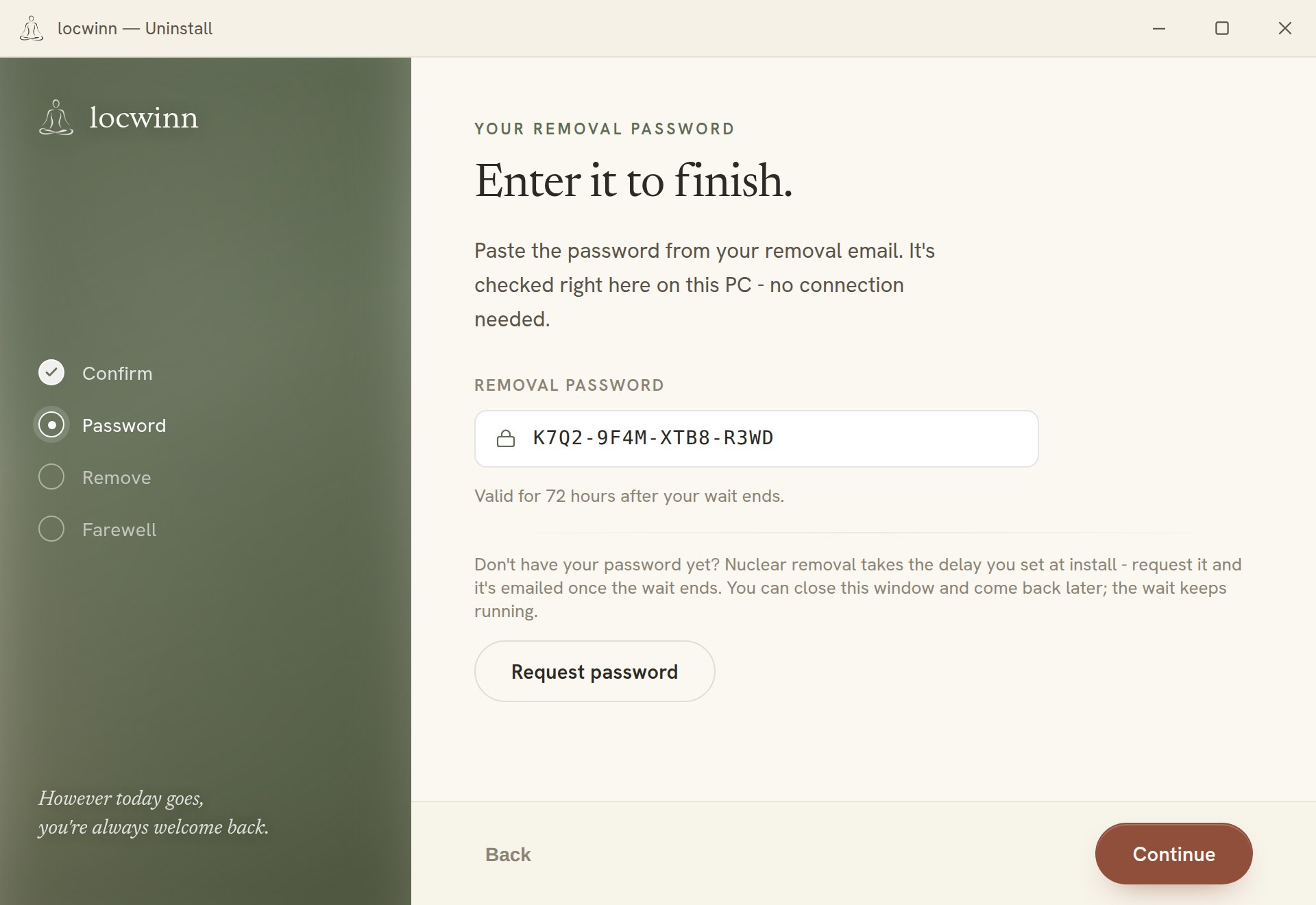
- The password works for 72 hours. Run the uninstaller, enter it, and locwinn removes itself cleanly.
The Nuclear password is never stored on your machine — it's held server-side (encrypted) until your delay is up, which is what makes the wait real. Changing your mind the other way is easy: making the delay stricter applies immediately; loosening it only takes effect after your current delay would have passed. Reinstalling as Lite doesn't skip an unserved Nuclear delay either.
What removal actually does
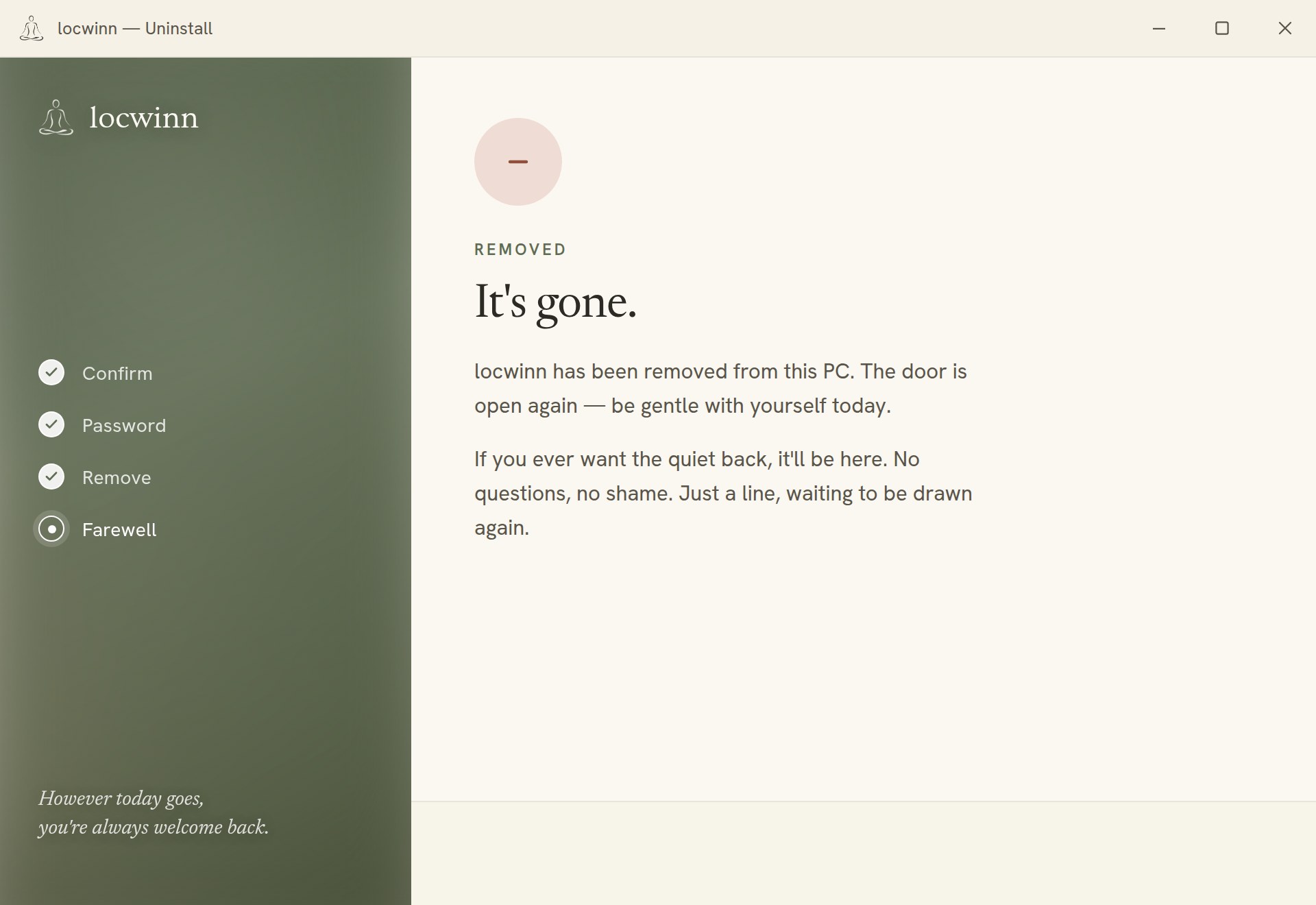
The uninstaller undoes everything the installer set up: your browser and network settings are returned to how they were, the background helper is removed, and the program folder is deleted. It aims for zero residue.
The honest edges
- You're never bricked. locwinn never touches your firewall and is built so a broken half-state can't take your internet down. If an uninstall is ever interrupted, the uninstaller tells you what remains and how to finish the cleanup; support can walk you through it.
- It's friction, not a fortress. A technically determined person can defeat any consumer software lock. locwinn's lock is designed to stop the two-minutes-of-weakness removal, which in practice is the one that matters.
- Email matters for Nuclear. The password arrives at your account email, so keep it current. If it ever fails to arrive after your delay is up, email license@locwinn.com from your account address and a human will sort it out.
Questions before buying? Ask — you'll get a straight answer.